









Build AI business apps, securely in your own Azure
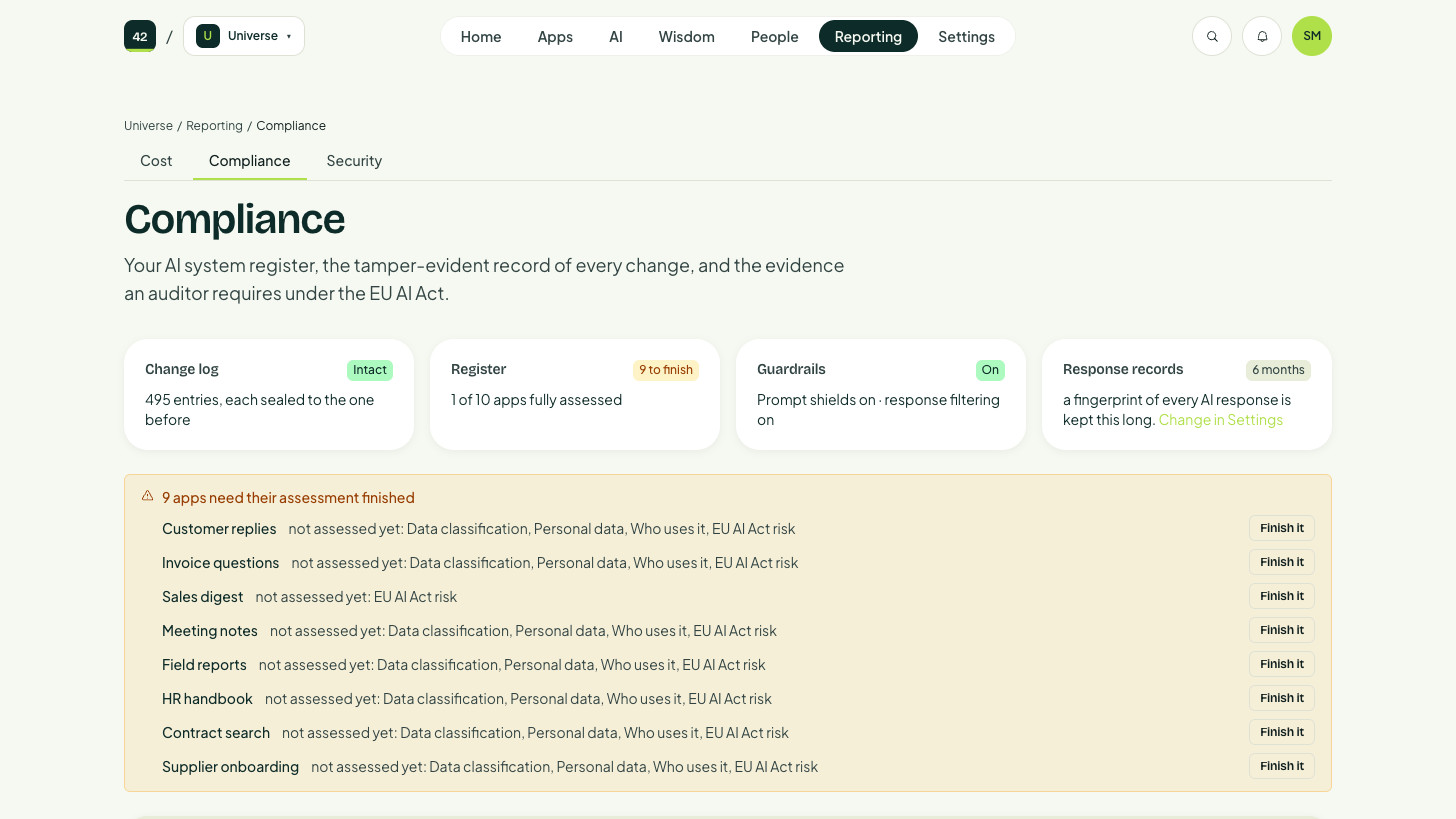
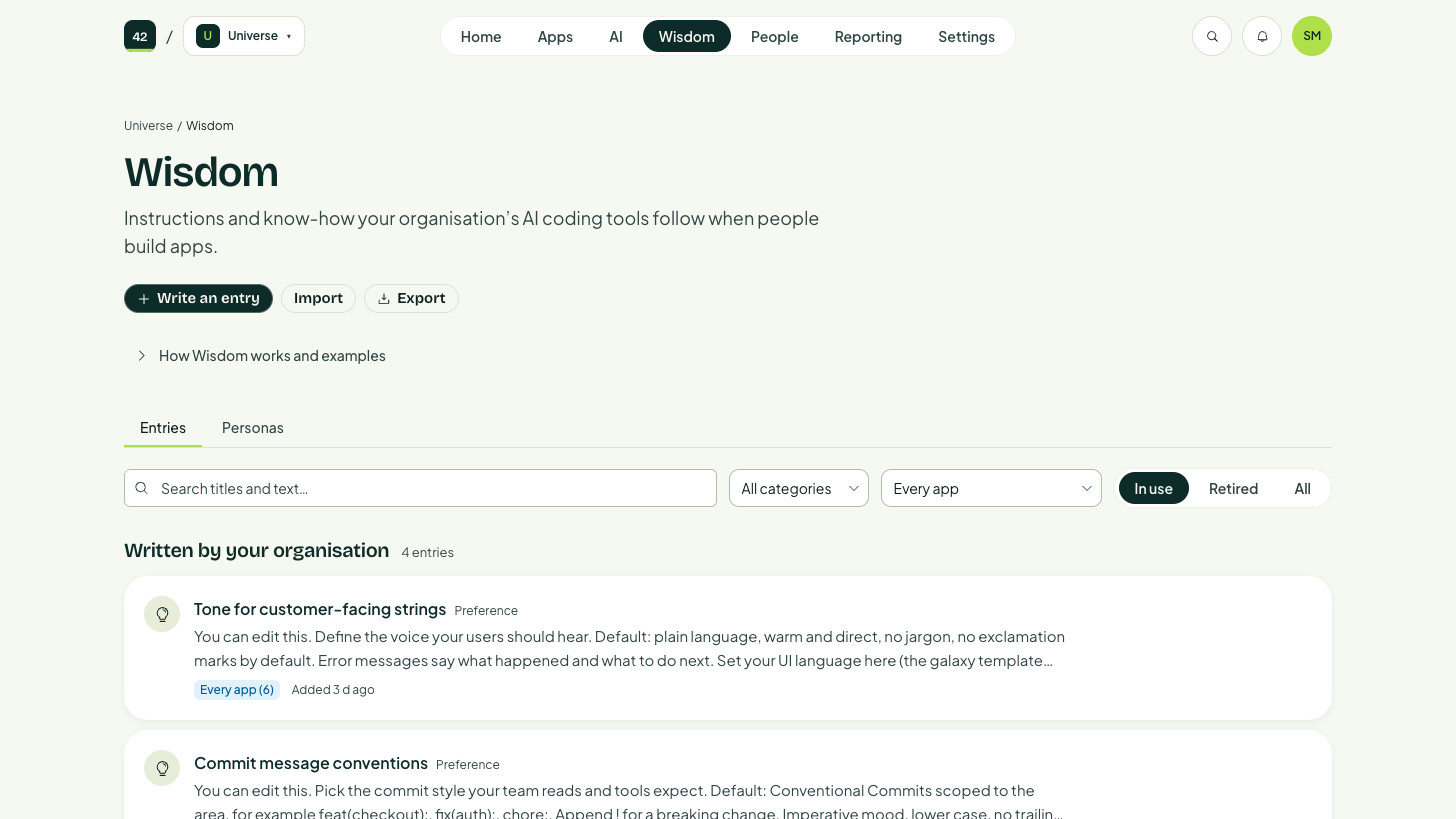
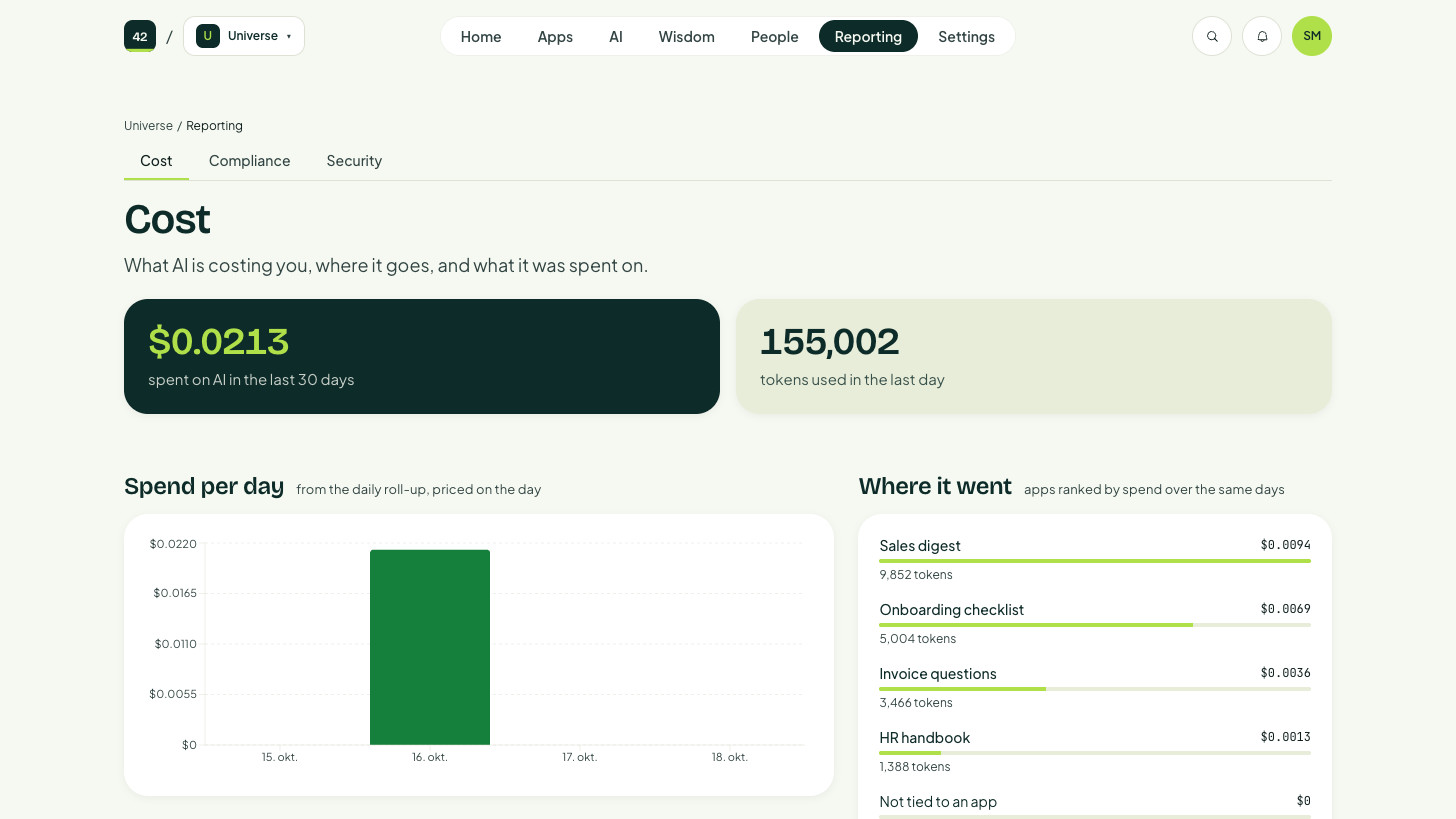
AI Universe lets the people closest to a problem describe the app they need in plain words and have it built for them. Every app runs in your own Azure, behind your company sign-in, with the security and cost control your IT team needs to say yes.
Your next app, built in your own Azure.
If you can explain it to a colleague, you can describe it to AI Universe, and it runs in your company’s Azure from the very first version. These are a few sparks to get you thinking, and the best idea is usually the one only your team would think of.
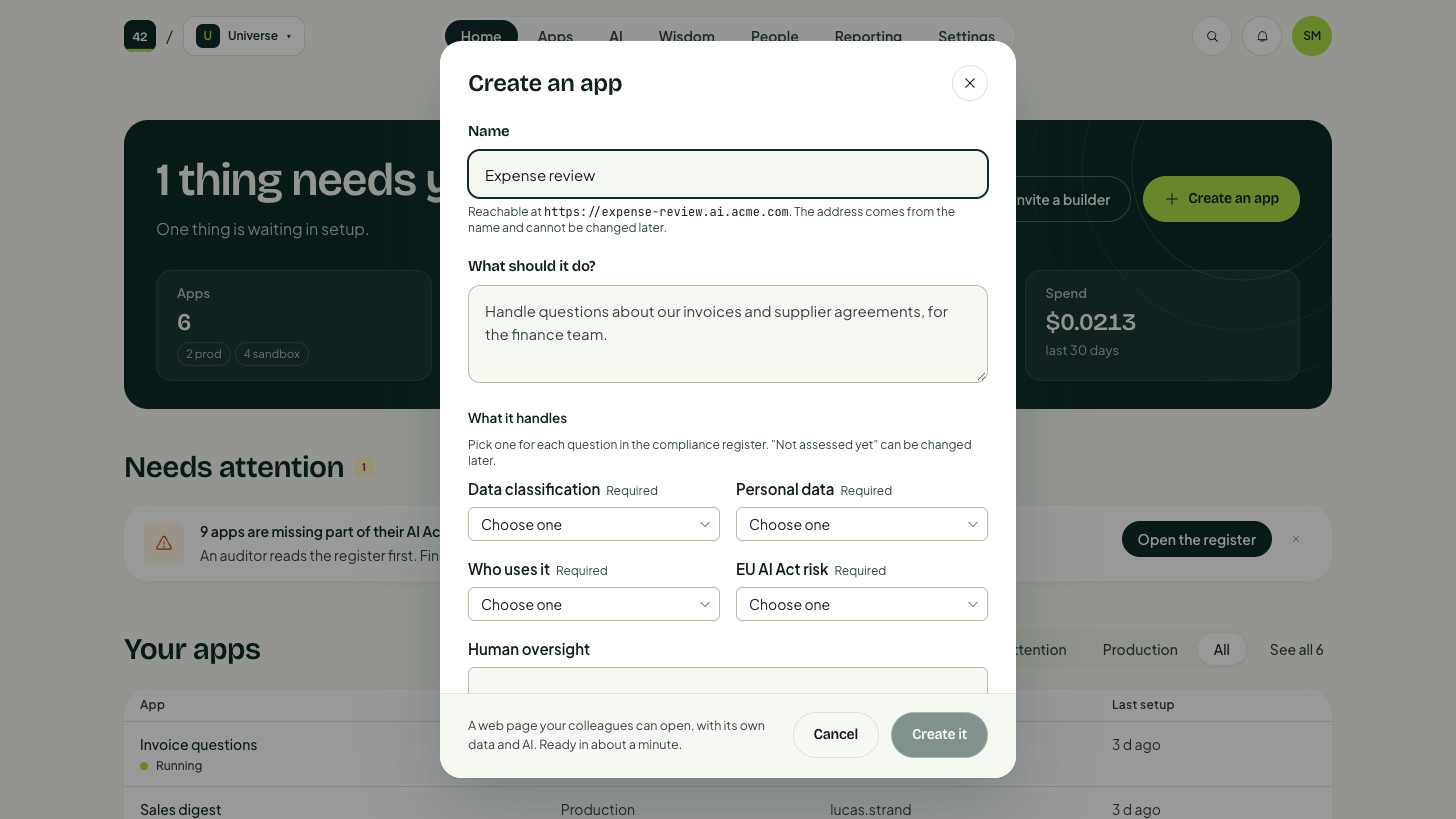
- FinanceExpense reviewChecks each claim against your expense policy and flags missing receipts before anyone approves it.Useful for: Finance teams who chase receipts by hand every month.
- IT and customer serviceTicketing systemTurns emails, forms and chat messages into tickets, routes them to the right team and tracks each one until it is solved.Useful for: Service desks, IT support and customer service.
- SalesCRM systemKeeps customers, contacts, deals and follow-ups in one place, shaped around how your team actually sells.Useful for: Sales teams who have outgrown spreadsheets or a CRM that does not fit.
- MarketingMarketing platformPlans campaigns, sends emails and shows which channels bring in leads, all from your own data.Useful for: Marketing teams who want one tool instead of five.
- SalesQuotes and forecastBuilds quotes from your price list, flags discounts outside your rules and keeps the forecast current as deals move.Useful for: Sales teams, sales ops and finance.
- MarketingCampaign managerShows what is planned, who owns each piece, what waits for approval and what has gone live.Useful for: Marketing teams juggling decks, spreadsheets and email threads.
- People and HROnboardingGives every new starter a checklist for equipment, access, training and the first weeks, with owners for each step.Useful for: HR, managers and the new colleague.
- OperationsStock levelsShows stock across sites and warns before something runs out.Useful for: Warehouse and purchasing teams.
- ProjectsProject trackerKeeps milestones, owners and risks for every project in one view.Useful for: Project leads and steering groups.
- Customer serviceCase managementCollects customer cases from email and forms, assigns them and tracks them to a solution.Useful for: Support and service desks.
- Your team’s idea
- IT and securityAccess requestsLets people ask for access to systems, with the right approver and a record of who said yes.Useful for: IT, security and managers.
- LeadershipManagement dashboardPuts the numbers leadership asks for on one page that updates by itself.Useful for: CEOs and management teams.
- Customer serviceAnswer assistantSuggests answers to customer questions from your own manuals and earlier cases.Useful for: Support agents, especially new ones.
- People and HRRecruitment pipelineTracks candidates from application to offer, with interview notes in one place.Useful for: Hiring managers and HR.
- OperationsField service logLets technicians log visits, parts and photos from their phone.Useful for: Service teams working on site.
- FinanceMonth-end checklistKeeps every closing task, owner and deadline on one page, with status everyone can see.Useful for: Finance teams that close the books under time pressure.
- LeadershipKnowledge assistantAnswers questions from your own documents and SharePoint, and shows where the answer came from.Useful for: Everyone who looks for information across folders.
- LeadershipDecision logRecords what was decided, by whom and why, so it can be found later.Useful for: Leadership teams and project boards.
- + your next idea
The list stops here. What your teams can build does not.
Have a specific use case? Try AI UniverseThe people closest to the problem build the fix.
The finance lead who chases receipts knows exactly what the expense app should do, so she is the right person to describe it. Nobody has to be a developer, and developers who want to can work on the same app in their own tools.
- Name it. Give the app a name and say in one sentence what it is for.
- Shape it. Change it by describing what you want, the way you would explain it to a colleague, and watch the preview update.
- Share it. Publish, and colleagues open it with the work account they already use.

AI Governance: Build or buy?
If you are building AI applications, you will eventually face the question: How do we create the environment where building can happen safely and at scale?

Dig deeper into how it works
Depending on your role, executive or technical, we provide a deep dive for you.
If you're ready to dive into AI Universe by building your first pilot galaxy, we have more information for you, too.

Vibe coding needs a floor
Demos rarely show what sits underneath: The operational plumbing that decides whether autonomous work done by AI agents is useful and safe or dangerous and reckless.