
Moving from Azure AD B2C to Microsoft Entra External ID
17.10.2026, 6 minutes read time
TL; DR: Moving from Azure AD B2C to Microsoft Entra External ID takes more than copying users. Start by mapping the identity journeys, policies, credentials, and applications that customers rely on, then choose and test a migration path that fits your environment.
A working login is only the visible part
Azure AD B2C P1 and P2 stopped being available for purchase by new customers on May 1, 2025. Existing customers can continue using the service, and Microsoft says it will support Azure AD B2C until at least May 2030. That gives teams time to plan, but a migration still needs engineering work and a testable delivery plan. Microsoft’s External ID FAQ sets out the current support position.
Microsoft Entra External ID is Microsoft’s current customer identity platform. Moving to it is not a direct tenant copy. The tenant model and configuration are different, so identity journeys and policy behavior must be reviewed for the destination.
For most organizations, the hard part is not the login page. It is the less visible behavior behind it: custom policies, claims, account recovery, application integrations, and the rules customers have come to rely on.
Start with the system you have
A useful assessment starts by listing the applications that authenticate through B2C, then tracing each journey from the first sign-in screen to the application session. Record sign-up, sign-in, password reset, account recovery, social and enterprise identity providers, and any multi-factor authentication.
Inventory custom policies, token claims, API calls, and downstream services. For every behavior, decide whether it still belongs in the new design, where it should live, and how the team will prove it works. Pay particular attention to claims an application assumes are always present. Give each dependency an owner and a test. Check what happens when an identity provider is unavailable, when a user account is disabled, or when an application receives an unexpected claim.
This is also the point to find stale flows and custom logic nobody needs anymore. Recreating those by default adds migration work without improving the service.
Choose a migration path that fits the users
Microsoft recommends the standard migration approach for most B2C customers. It starts with a bulk migration of user accounts. Whether existing passwords also move is a separate decision. If password preservation is not required, a planned password reset or passwordless sign-in may be a better fit for the customer experience and account policy.
If you preserve passwords, just-in-time migration can validate a legacy password when a user signs in to External ID and then migrate that credential. In a B2C-initiated pattern, applications continue using B2C while credentials are migrated. Both approaches need a plan for profile changes during coexistence and for users who do not sign in before the migration window ends. Bulk account migration is still required for JIT; users who never return need a clear fallback, such as a reset process or a final migration step.
High Scale Compatibility (HSC) mode is for eligible tenants with more than five million directory objects. It can allow phased application migration while users and credentials remain in the existing directory, but it has eligibility requirements and functional limitations. It is not a default path for smaller environments. Review Microsoft’s migration planning guidance before choosing an approach.
Test the journeys customers rely on
Before cutover, test registration, sign-in, sign-out, password reset, account recovery, and multi-factor authentication where it is used. Check the token claims and scopes each application consumes. Include the less common cases too: a locked account, a failed external identity provider, and a user who has not yet migrated a password.
Move applications in stages where the architecture allows it. Agree on what success looks like, who watches sign-in and support signals, and what would pause or reverse the cutover. If both identity services run at once, reconcile profile changes and set an end date for coexistence. Monitor sign-in failures and support requests during each release, and define a rollback point before the change reaches production.
Customers should not need to understand the tenant architecture to get into their account. Give them clear notices, support guidance, and a recovery route you have already tested.
Fortytwo makes the migration a delivery plan
Fortytwo has been approved for inclusion in Microsoft’s services and integration partner directory for Azure AD B2C to Microsoft Entra External ID migrations. Our work starts by understanding how the current service behaves, then mapping the destination design, user and credential migration, and application changes.
We work with engineering, security, product, and support teams to make the decisions visible before cutover. That includes agreeing on password migration and coexistence, defining tests for each journey, and preparing the support and rollback steps for release.
The migration is complete when each application has been validated against its new identity configuration, the customer recovery paths work, and the team knows how to operate the destination. We help carry the plan through implementation and post-cutover validation.
Your migration can end with a managed identity service
A migration can solve more than the switch away from B2C. If the destination tenant is self-managed, your team still owns its configuration, security, and day-to-day operations. Some customer journeys also need identity verification beyond passwords or social login.
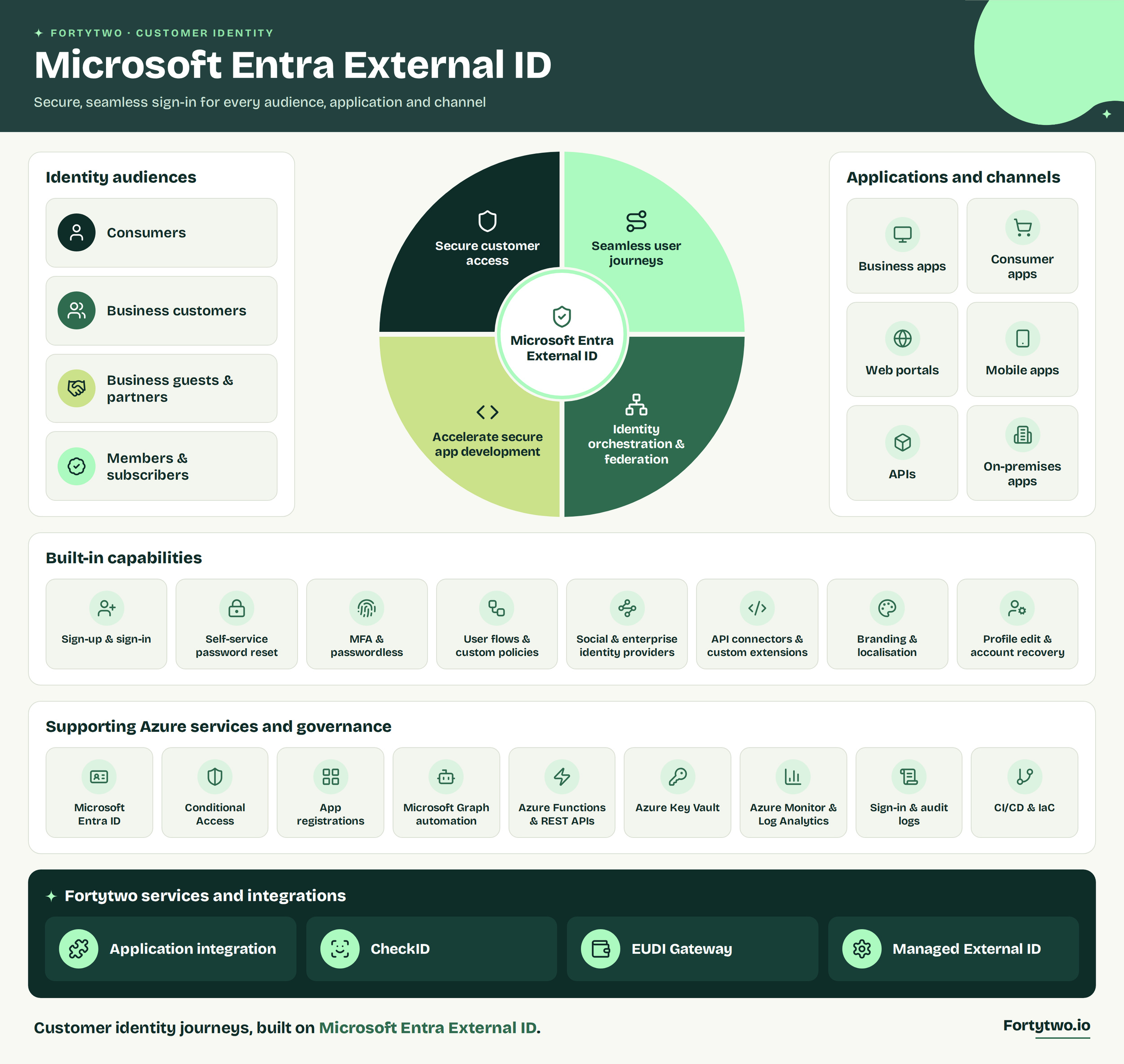
Fortytwo Managed Microsoft Entra External ID covers tenant setup, security-hardened and monitored infrastructure, branded sign-in, authentication options, Conditional Access, ongoing management, professional support, and 24/7 monitoring. Optional CheckID integrations support Nordic and European eIDs, banking credentials, and payment identity providers where available.
Separately, Fortytwo is building an eIDAS 2.0 European Digital Identity (EUDI) Gateway. It will connect digital identity wallets with services when an interaction falls outside a standard OpenID Connect sign-in flow, opening the door to wallet-based journeys that current identity integrations don’t handle well.
Your application team still owns authorization and data access. See what the managed service includes. Read the European Commission overview of the European Digital Identity Wallet.
Talk to us about migrating and managing External ID
We help assess your current environment and assist in migrating from Azure AD B2C to Entra External ID in a controlled way, without breaking production. We can also help you plan managed External ID and discuss how our separate EUDI Gateway work could fit your digital identity strategy.